
Short answer: there's no single best 3D printer. Pick by budget first, then by what you want to print. Under $300, a basic printer is enough to learn on. A step up buys an enclosure, multicolor or both. Above that you're paying for size, speed or a tool changer. Resin is its own category, built for miniatures and fine detail.
Affiliate disclosure: if you buy through links on this page we may earn a commission at no extra cost to you. We do not own or test the printers on this site. See how we research.
Quick picks
| If you want | Our pick | Why | Where to buy |
|---|---|---|---|
| The cheapest good printer | Creality Ender-3 V3 SE | Our cheapest in-stock pick under $300 | Check current price on Creality |
| Enclosed, quiet and multicolor | Elegoo Centauri Carbon 2 Combo | Four colors with the CANVAS unit; Notebookcheck measured 44 to 47 dB | Check current price on ELEGOO |
| Big multicolor prints | Creality K2 Plus Combo | Creality's large enclosed printer with the CFS multicolor system | Check current price on Creality |
| Multi-material with the least waste | Snapmaker U1 | Four separate toolheads that swap in about five seconds | Check current price on Snapmaker |
| Resin detail and miniatures | Elegoo Saturn 4 Ultra 16K | Elegoo's 16K resin printer | Check current price on ELEGOO |
Under $300: learn without overspending
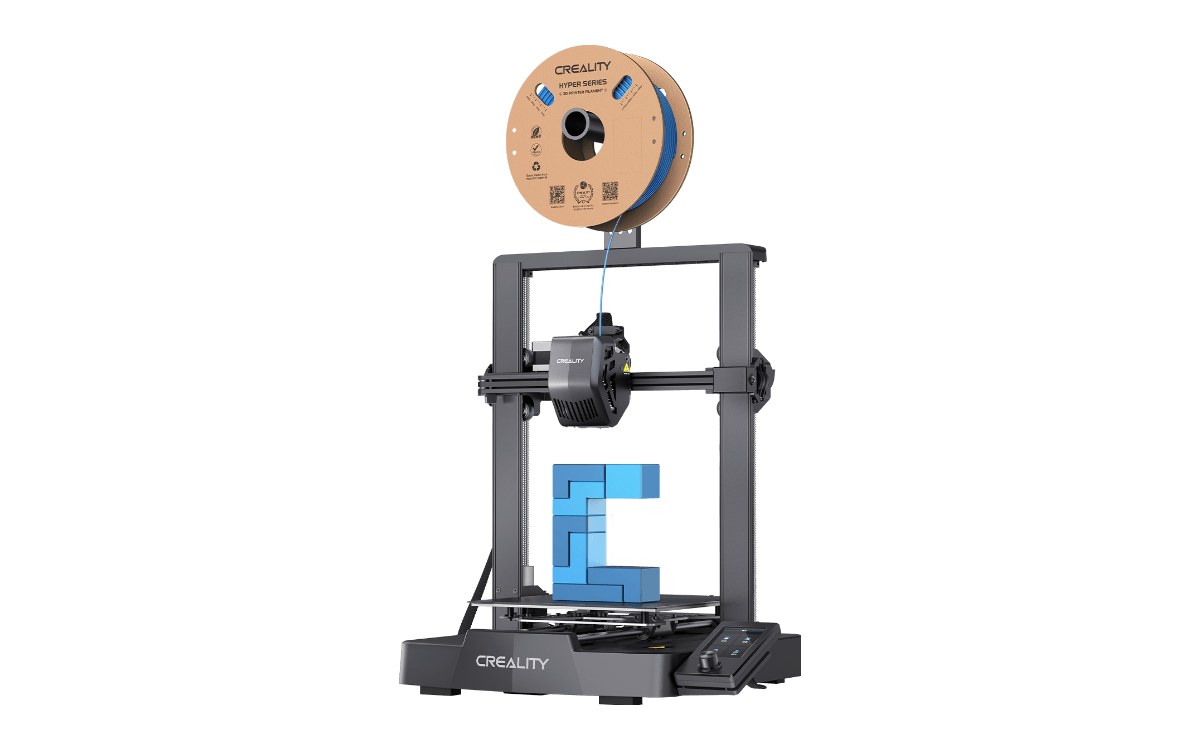
Image: Creality
Creality Ender-3 V3 SE
The cheapest printer we would point a beginner at right now. It prints one color at a time, which is how most people learn anyway. Our under-$300 page covers what it does well and where it falls short, next to the Elegoo Centauri 2.
See the Ender-3 V3 SEMulticolor and enclosed
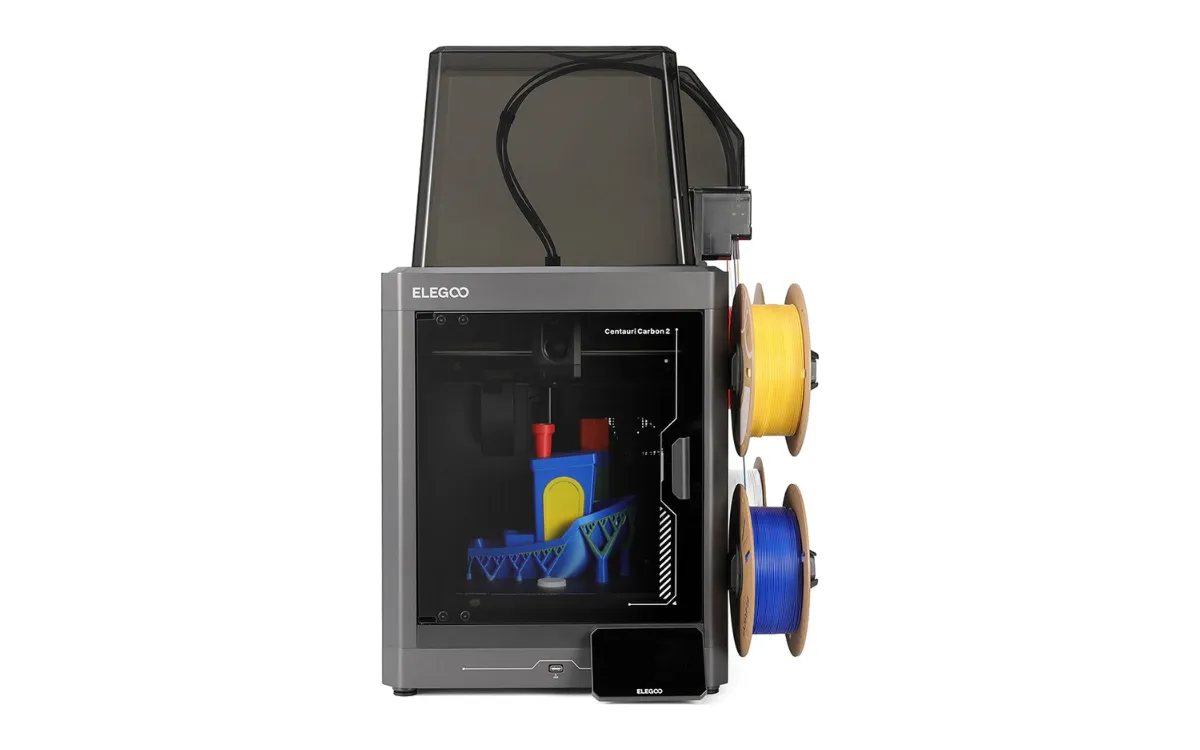
Image: ELEGOO
Elegoo Centauri Carbon 2 Combo
An enclosed printer with ELEGOO’s CANVAS four-color system. ELEGOO claims 45 dB, and Notebookcheck measured 44 to 47 dB on average, quiet enough for a home office.
See the Centauri Carbon 2 Combo
Image: Creality
Creality K2 Plus Combo
Creality’s large enclosed printer, sold as a Combo with the CFS multicolor system. It won a Red Dot award for design in 2025. Pick it when build size matters more than price.
See the K2 Plus ComboWant multicolor for less? The Elegoo Centauri Carbon 2 Combo above is the lowest-priced enclosed multicolor printer we recommend. If you don't need an enclosure, our two budget picks, the Anycubic Kobra 4 Combo and the Creality SparkX i7 Color Combo, usually cost less.
Color is your main reason to buy? Read our best multicolor 3D printer picks, ranked by purge waste, size and price.
Professional 3D printers for work and heavier use
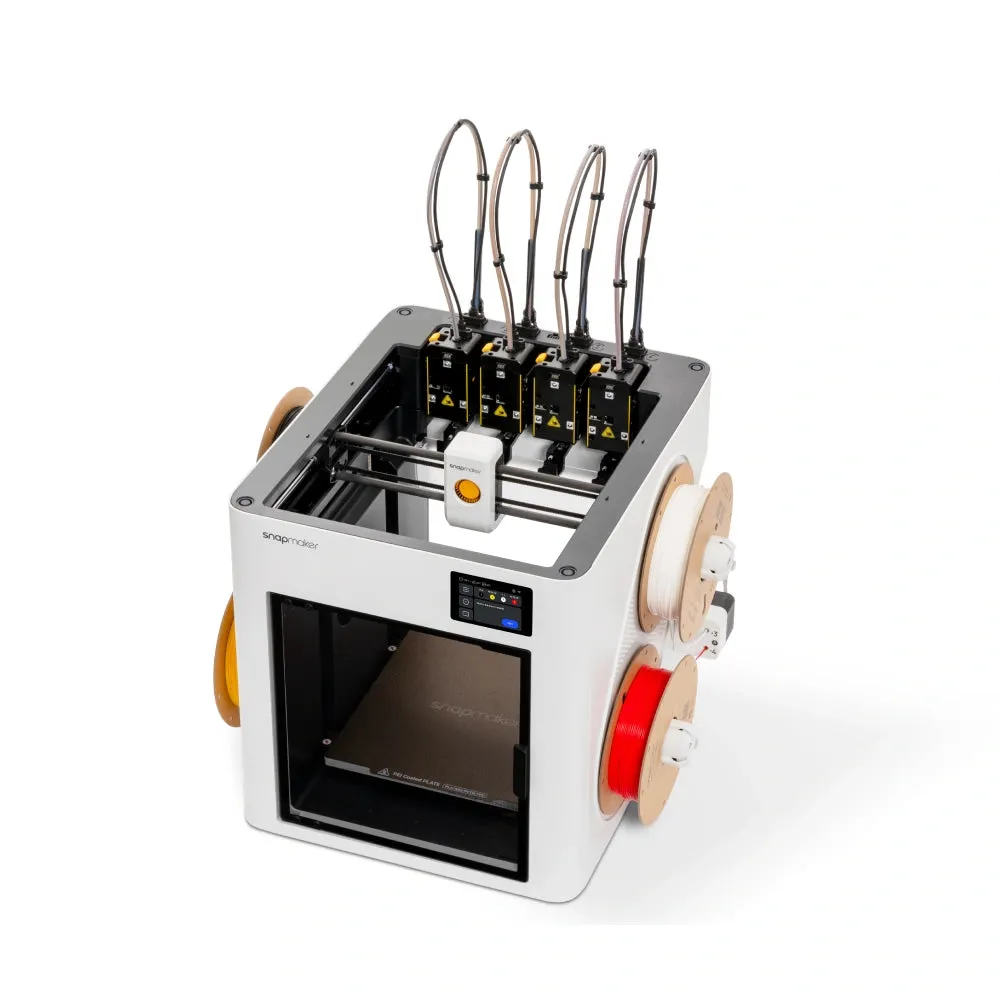
Image: Snapmaker
Snapmaker U1
Four independent toolheads, so a color or material change swaps a head in about five seconds instead of purging filament. The build volume is 270 x 270 x 270 mm. It suits small businesses and anyone printing multi-material parts every week.
See the Snapmaker U1Resin: fine detail and miniatures
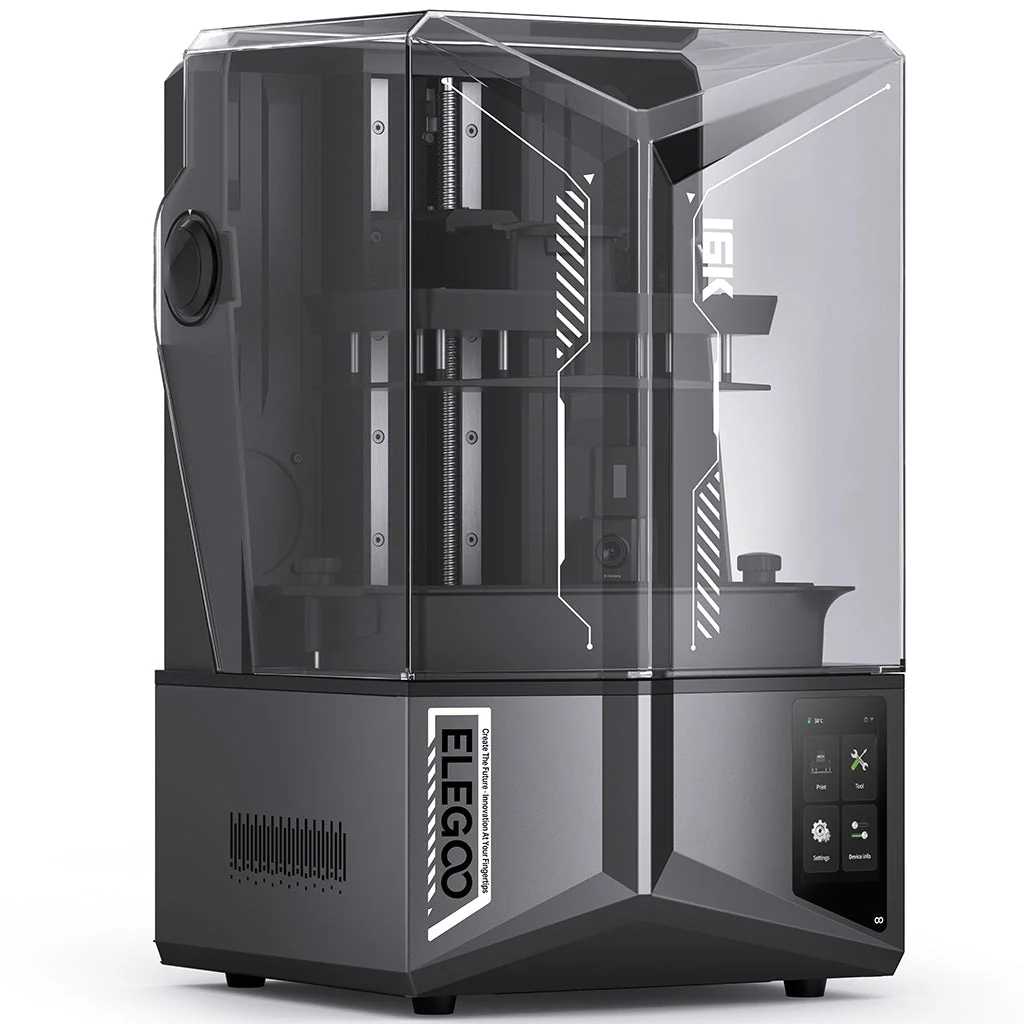
Image: ELEGOO
Elegoo Saturn 4 Ultra 16K
Resin prints far finer detail than filament, which is why miniature painters use it. The trade-off is handling liquid resin and washing and curing every print. Compare it with the other resin machines in our best resin 3D printer guide and the miniatures version. On a tighter budget or a smaller desk, the Elegoo Mars 5 Ultra is the compact option.
See the Saturn 4 Ultra 16KBuying during the sales? Our Black Friday 3D printer deals page shows which of these picks are cut right now.
Not sure where to start?
Three questions settle most of it: what you want to print, how much space and noise you can live with, and whether you'll print from a phone or a laptop. Our guide to choosing a 3D printer walks through them. If you don't want a computer involved at all, read whether you need a computer for a 3D printer.
Buying a printer to make money with it? Read our guide to starting a 3D printing business first, then pick the machine your idea needs.
How we pick
We don't own or test these printers. Each pick comes from manufacturer specs, independent reviews and what owners report, with sources on each printer's page. Printers we covered in earlier years have since been discontinued or replaced, and those reviews now point to current models. See how we research.
Sources
- ELEGOO Centauri Carbon 2 Combo launch release: CANVAS four-color system, 45 dB claim
- Notebookcheck Centauri Carbon 2 review: measured 44 to 47 dB
- Creality K2 Plus Combo store page: CFS system, Red Dot Winner 2025
- TechRadar Snapmaker U1 review: four toolheads, five-second tool change
- Notebookcheck on the Snapmaker U1: 270 x 270 x 270 mm build volume