
3D printers provide an almost limitless number of possibilities. You must choose the best 3D Printer for your needs and budget, whether you’re printing a figurine, a smartphone cover, a wrench, or a doorstop.
3D printers are available in a wide range of sizes and capacities, with costs varying from less than $200/ £200 to several thousand dollars or pounds. They also employ several techniques, including FDM (Fused Deposition Modeling), DLP (Digital Light Processing), Stereolithography, and others.
Don’t worry if all of this seems daunting. Continue reading to learn how to choose the best 3D printer for you.
Recommendations to choose a 3D Printer
With these tips, you can save a lot of time in choosing a 3D printer.
If you would rather run a printer from your phone than a laptop, check whether you need a computer for a 3D printer before you pick one.
Know what you want to print before you buy a 3D printer:
Knowing what you want to print before you buy a 3D printer is helpful. Consider how much you intend to print, where you intend to use the printed products, and how much effort you’re able to devote to the process. There’s a big difference between 3D printing gadgets for your desk and industrial-scale manufacturing pieces.
Determine your preferred 3D printer design:
A Fused Deposition Modeling (FDM) printer is used by many hobbyists. In order to make 3D-printed items, these printers extrude hot materials and plastics known as filament. Digital Light Processing (DLP), Stereolithography (SLA), and Selective Laser Sintering (SLS), which requires powder, are examples of printing types that utilize liquid resin vats.
Look for protection features:
3D printers with these features are usually well-designed. When a print job is finished, an FDM printer, for example, can cool the nozzle and heated bed. When you stop the job or the print finishes, some printers shift the nozzle away from the piece, preventing heat damage and excess filament from forming.
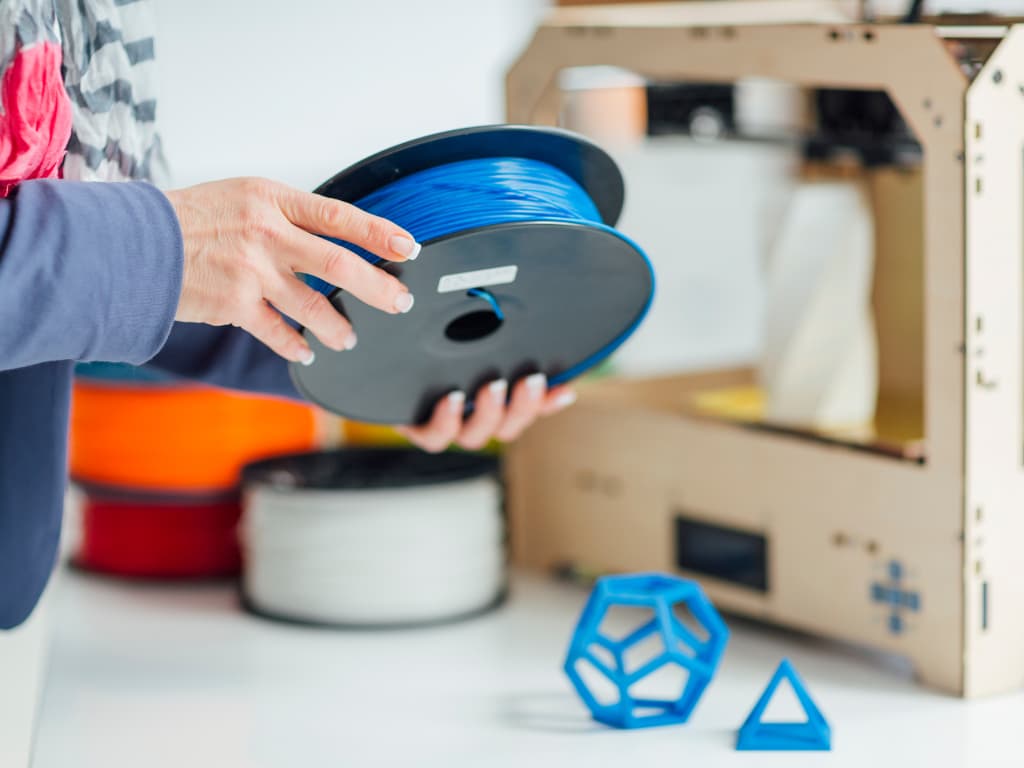
Look for high-quality features:
It’s possible to miss a few advanced features that will make the 3D printing experience completely different. Touchscreen user interfaces, dual filament support, and heated glass beds are all features in a worthwhile 3D Printer. Also, anything as basic as create volume, or the amount of space available for printing will make a printer worthwhile.
Don’t forget resolution:
Remember that 3D printer resolution is calculated in microns, with FDM devices having a resolution of 25 microns and resin-based printers having a resolution of 100 microns. An FDM printer allows you to change the final print resolution quickly. The layer height and belt tension are the most crucial considerations when it comes to printing smoothly. The accuracy of a resin printer’s laser is a limiting factor. Look for a printer with a higher number of microns specified in the specifications that are easy to modify.
Find a brand with a lot of support:
Take a peek at the manufacturer’s customer service system before committing to a 3D printer order. Is there a technical support team in place, or is it just a Facebook group? If something goes wrong, this will make or ruin the printing experience. Choose a 3D printer that is backed by reliable technical support.
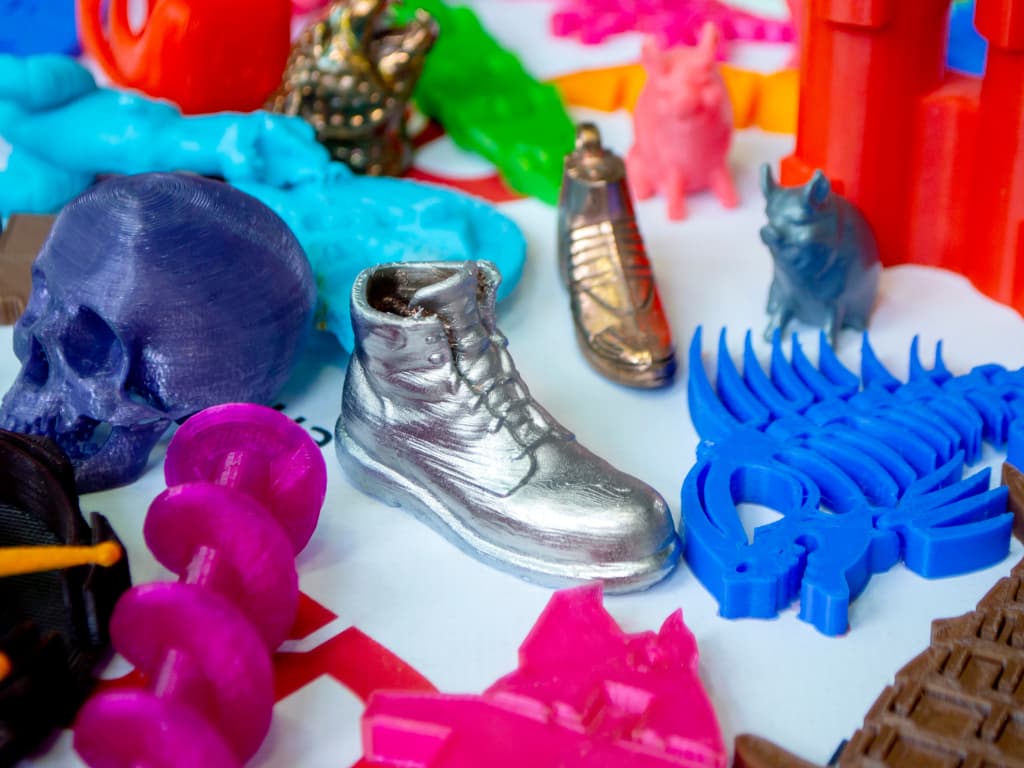
What do I want to print?
Household things are items that you would like to see in your home or office. These products aren’t meant to be exposed to much light or moisture. They can be printed using an FDM printer with filament made of Polylactic Acid (PLA), Acrylonitrile Butadiene Styrene (ABS), or Polyethylene Terephthalate Glycol (PETG).
You can print something that can come into contact with food with a food-safe filament, such as PETG, sprayed with food-safe epoxy.
Printing Equipment – When it comes to printing tools, it just comes down to the application. ABS prints on an FDM printer can be very substantial with sufficient infill. However, an FDM printer may not be enough if you need anything for a professional environment.
Professional objects – Manufacturers often use 3D printing to produce exclusive parts. 3D-printed structures can be used in various fields, including automotive, aerospace, and dentistry. Resin printers are most often used in specialized settings.
What style of 3D printer do I need?
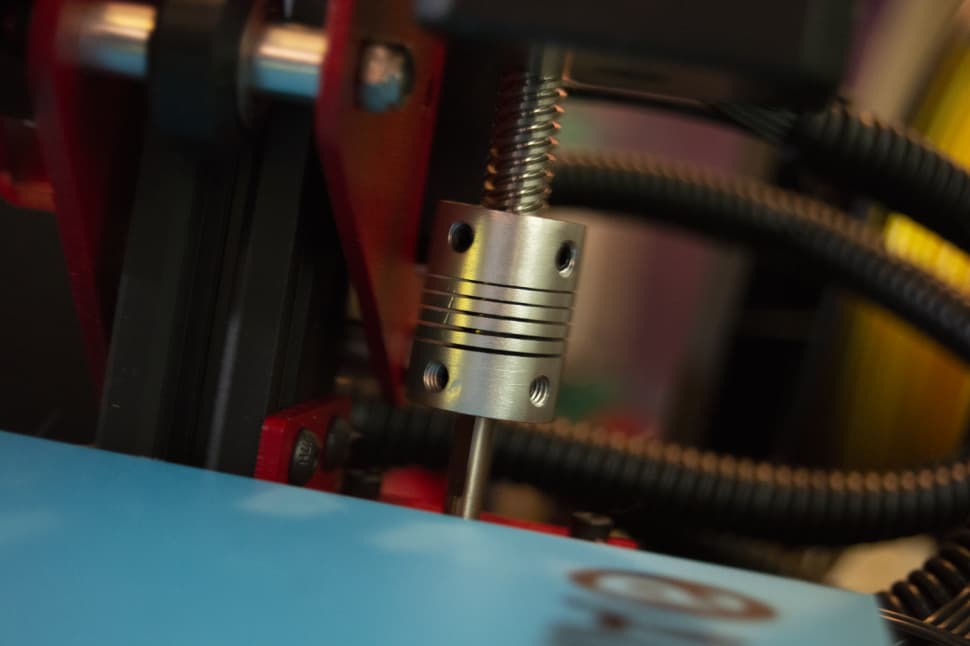
FDM stands for Fused Deposition Model. By heating filament, feeding it through a funnel, and extruding it into shape along the X, Y, and Z axes, a modeling printer may produce artifacts. This is similar to the 3Doodler Create+, but it needs much less manual intervention (and more precise). The horizontal layer lines on these printers are legendary, as is the amount of work done to smooth out final prints.The frame will be built in either a Cartesian or a Delta form. A Cartesian FDM printer is used by the majority of 3D printing hobbyists.
The bed of a Cartesian printer runs around the Y-axis, while the X-axis and Z-axis have their own engines. The extruder is moved by three motors on equally spaced rods in a Delta type construction, which is less desirable and less popular. Cartesian printers are used by the majority of FDM printers because they provide more control and better results.
SLA – Stereolithography printers use a chemical reaction called photo-solidification to create layers. The photons converge on a single spot, which causes the SLA resin to solidify. You should anticipate flawless, high-quality prints with incredibly fine detail thanks to SLA printing’s precision.
DLP – Digital Light Processing – is somewhat similar to SLA printing in that each layer of the object is created using vat polymerization. The polymers react by hardening into place as light hits a point in the resin. As opposed to objects printed on an FDM computer, objects printed on a DLP printer are very smooth.
SLS (Selective Laser Sintering) printers produce new layers by concentrating a laser on a certain point inside a powder vat. As the laser travels to the next spot, the powder solidifies. This method is suitable for printing intricate industrial parts and pieces.
While there are other types of 3D printers on the market, many people start with an FDM printer.
What materials do I need to print with?
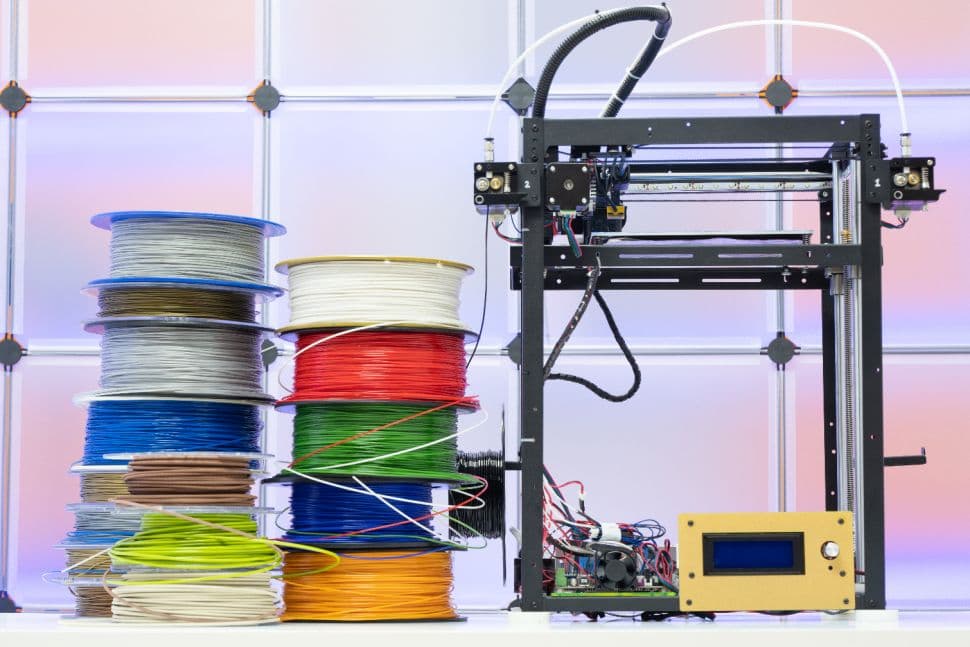
Filament printers use spools of filament made from a range of fabrics, most commonly PLA, ABS, and PETG rubber. Special materials, such as flexible and wood-based filament, are also available. The following are the most common filament types:
Polylactic Acid (PLA) is a plant-based fiber. It deteriorates after extended sun exposure and is quickly ruined by heavy moisture. PLA is suitable for most indoor uses, but it should not be used for outdoor purposes.
While PETG (Polyethylene Terephthalate Glycol) is a food-safe plastic, the 3D printed item may not be. Layers created by FDM printers easily trap moisture, food, and bacteria. Until contacting food, PETG items should be well finished in a food-grade epoxy.
ABS (Acrylonitrile Butadiene Styrene) is a plastic that is known for its strength. It takes a lot of heat to set correctly, so it’s safer to use a sealed 3D printer to keep the temperature high. This filament can only be used when the atmosphere can be adequately ventilated. ABS, unlike PLA, is an excellent option for outdoor printing.
Resin printers, such as SLA and DLP, produce objects using liquid resins. The choices vary by producer, but they are usually divided into a few categories:
- The most common shades in standard resin are clear, white, and green. It’s great for prototyping and tiny laptop accessories, but it’s not durable enough for finished goods.
- Tough resin is often used in professional and technical environments. These resins are stronger than regular resins, making them suitable for high-impact applications.
- Medical-grade resin is used in a wide range of medical applications, from hearing aids to custom dental work.
What 3D printer software should I look for?
Software for 3D printers comes from two places: the printer itself and the device you use to generate 3D printer images.
Slicing is where you make a file to print using the program on your computer (the most common 3D printer file type is gcode). There are many online slicing programs, the two most common of which are:
Ultimaker created Cura, an open-source 3D printer slicing software.
Alessandro Ranellucci developed Slic3r, a free gcode slicing software.
The program on the 3D printer is known as firmware. Marlin firmware is used in many 3D printers, but different chips have different uses.Your printer’s firmware can differ, so do some research online and see what others have to suggest about the model you’re considering.
Do I need multiple filament support?
Dual filament support isn’t needed for multicolored prints, but it does help! Rather than depending on multicolored spools of filament, opt for a 3D printer that can handle several rolls at once. Gcode files may be sliced to progressively alternate between colors, switch on a certain layer, or even add a color to a specific part of a print-in-place object. With dual filament printers, you can even get creative—dissolvable filament, for example, is a clever alternative to the shortcomings of FDM printing. When making accurate prints with extreme overhangs, this filament is ideal as a support medium. Once the item has finished printing, the supporting filament will be dissolved in water.
What features should I look for?
When it comes to dealing with hot electrical devices, you can never be too careful. Look for safety features that can improve the 3D printing experience, such as automated nozzle cooling after a print is completed. Look for a function that automatically turns off the heated bed when a print job is finished if the printer has one.
Print Resume Functions – There’s nothing more frustrating than ruining a perfect print in the middle of it. When unforeseen delays occur, the print resume features ensure that the creations are not disrupted. Rather than restarting, the print job will pick up where it left off.
Quality User Interface – A good user interface will turn the 3D printing experience from good to amazing. Don’t waste time navigating a menu with a rotary knob when a touchscreen interface is available. This aren’t all for high-end printers. And the cheapest FDM printers have a touchscreen interface.
Heated Bed – You can’t go anywhere until you’ve experienced a heated bed. The base of your final item is built on the first few layers of your prints. This base is well-formed, strong, and stays in place thanks to a heated bed. The optimum temperature varies by filament, but experimentation will help you reach the sweet spot.
Axis Adjustability – Tightening or loosening the friction on one of the three key axes is a popular way to fine-tune your printer. Look for a 3D printer that allows you to easily change the belt tension. This would save you time that will otherwise be spent extracting and adjusting materials.
How much should I spend?
Each type of 3D printer has a different price range, with FDM printers being the most affordable. Here’s a rough idea of what you might come across.
| 3D Printer Style | Low $ | Mid $$ | High $$$ |
|---|---|---|---|
| FDM | $150.00 (€136.00) | $500.00 (€453.00) | $1,000.000 (€907.00) |
| SLA | $500.00 (€453.00 ) | $1,000.000 (€907.00) | $2,500.000 (€2,267.00) |
| DLP | $500.00 (€453.00 ) | $1,000.000 (€907.00) | $2,500.000 (€2,267.00) |
| SLS | $5,000.00 (€4,533.00) | $10,000.00 (€9,067.00) | $30,000.00 (€27,200.00) |
Summary
Although 3D printers are more affordable than ever, you should not invest more than is necessary. Determine what you intend to print and use the information to set your current printer’s standards. Look for features including a heated glass bed, a greater build capacity, and a user interface that is simple to use.
A good printer comes with a good support system and, in some cases, built-in authentication protocols. When evaluating a new printer, look at other people’s perspectives. You can quickly locate the ideal 3D printer at an affordable price with a little work.