
Resin vs FDM: Which 3D Printer Should You Buy?
Buy an FDM (filament) printer if you want practical parts, bigger objects and the simplest routine. Buy a resin printer if you mainly want fine detail, such as tabletop miniatures, figurines or jewelry models, and you have a ventilated space for liquid resin, gloves and an alcohol wash. Most beginners should start with FDM.
We do not own or test printers. Figures below come from maker specifications and common slicer defaults. See how we research.
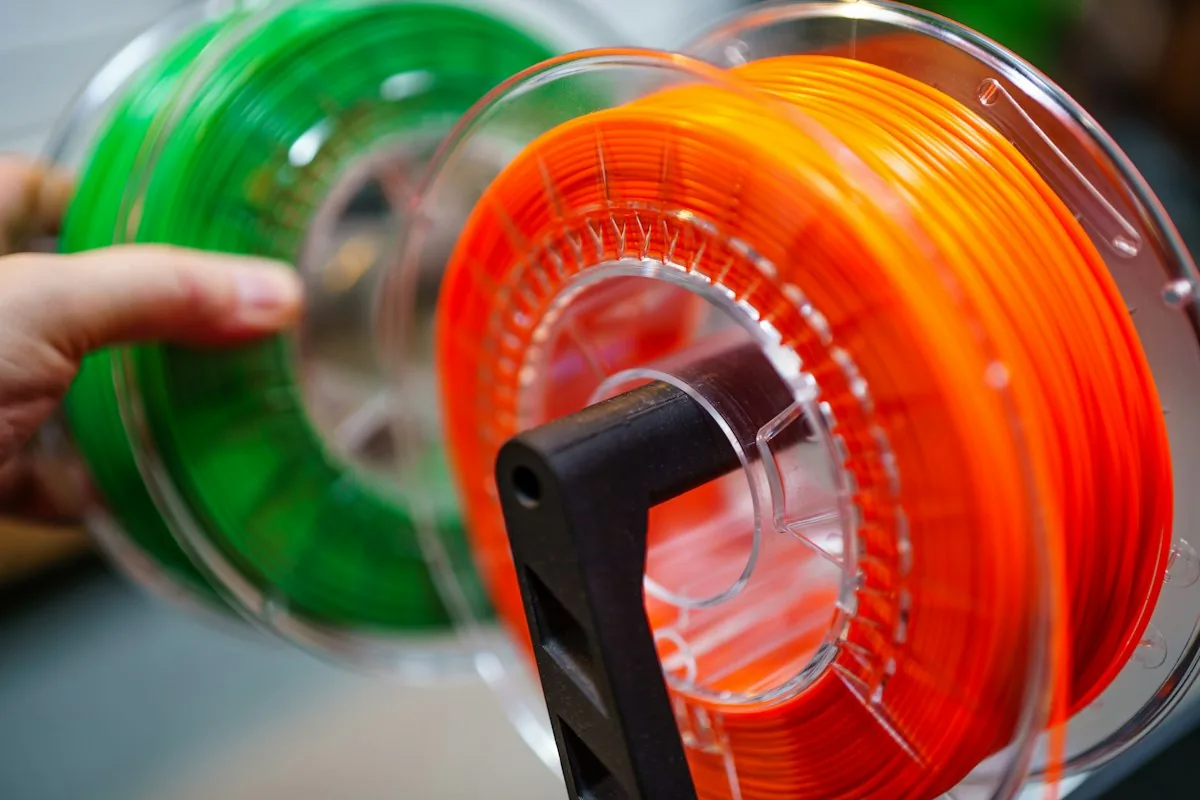
Filament spools for FDM printing. Image: Jakub Zerdzicki, Unsplash License.
What is the difference between resin and FDM printing?
An FDM printer melts a plastic thread called filament and draws each layer with a hot nozzle, usually 0.4 mm wide. A resin printer, also called MSLA or SLA, shines UV light through a screen into a vat of liquid resin and hardens a whole layer at once. FDM builds parts like a hot glue gun with a very steady hand. Resin builds them like a photo developing, one thin slice at a time.
That one difference drives everything else: resin gets far finer detail, FDM gets bigger, tougher parts with less mess. Our earlier lesson on types of 3D printer filament covers the FDM materials in depth.
Resin vs FDM comparison chart
Print this chart or keep it open while you shop.
| FDM (filament) | Resin (MSLA) | |
|---|---|---|
| How it prints | Melts filament through a nozzle | Cures liquid resin with UV light |
| Typical layer height | 0.1 to 0.3 mm | 0.025 to 0.05 mm |
| Surface detail | Visible layer lines | Smooth, very fine detail |
| Typical build area | 220 x 220 x 250 mm on an Ender-3 V3 SE | 211.68 x 118.37 x 220 mm on a 10-inch Saturn 4 Ultra 16K |
| Toughness | Good to excellent (PETG, ABS, nylon) | Standard resin is brittle; tough resins exist |
| Mess and safety | Low: hot nozzle, light fumes from some plastics | Higher: liquid resin irritates skin, needs gloves and ventilation |
| After the print | Snap off supports, done | Wash in alcohol, UV cure, remove supports |
| Consumables | Filament, the odd nozzle | Resin, isopropyl alcohol, gloves, paper towels, release film |
| Entry printer | Creality Ender-3 V3 SE, $169 | Elegoo Mars 5 Ultra, $259 |
| Best for | Functional parts, cosplay, large models, prototypes | Miniatures, figurines, jewelry and dental models |
Is resin printing more detailed than FDM?
Yes, by a wide margin. A resin printer stacks layers about 0.025 to 0.05 mm thick, and its sideways detail is set by the pixels of its screen, so faces, chainmail and thin weapons on a 28 mm miniature come out crisp. An FDM printer usually prints 0.1 to 0.3 mm layers through a 0.4 mm nozzle, so small features soften and layer lines show. For display figures and tabletop gaming, resin is the clear pick.
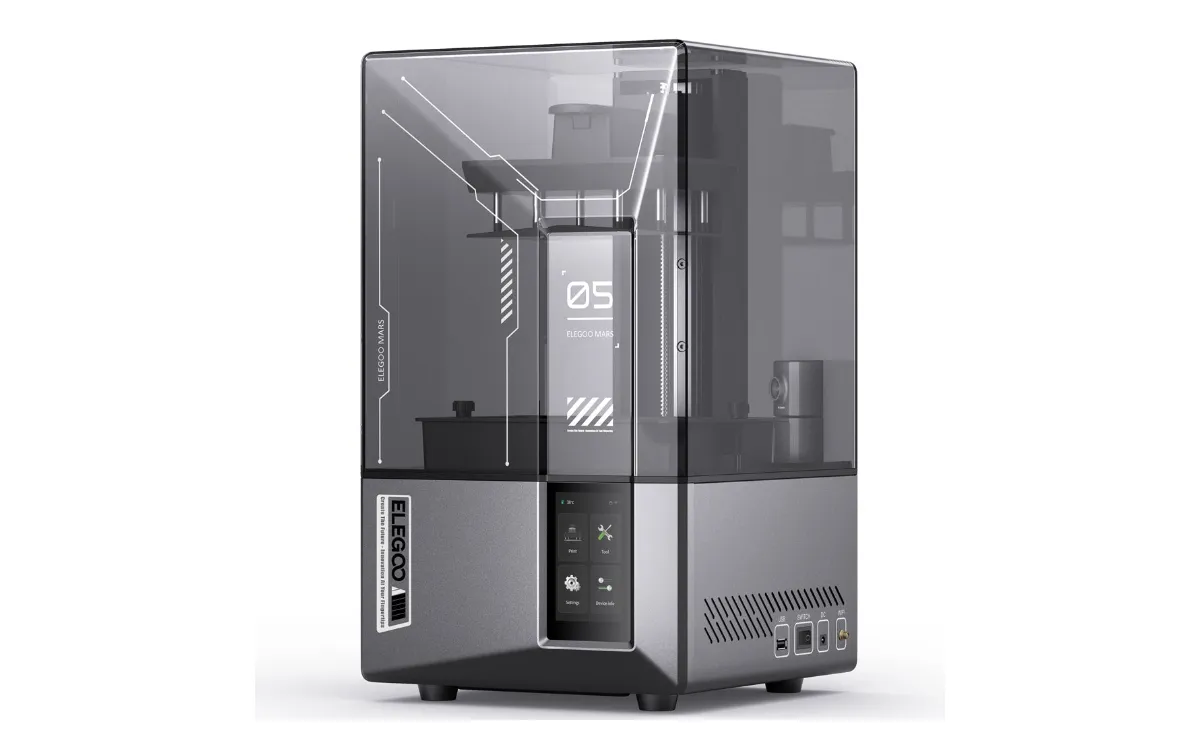
A desktop resin printer, the Elegoo Mars 5 Ultra. Image: Elegoo.
Which is stronger, resin or FDM prints?
FDM prints, for most uses. PETG, ABS and nylon flex before they break, which suits brackets, hooks, clips and anything that takes a knock. Standard resin is hard but brittle and can snap if dropped. Tough and flexible resins narrow the gap, but they cost more. If the part has a job to do, print it in filament.
Is resin 3D printing safe at home?
It can be, with precautions. Resin makers' safety data sheets list uncured resin as a skin and eye irritant that can cause allergic skin reactions with repeated contact. So the routine is nitrile gloves, eye protection, a ventilated room away from where you sleep or eat, and curing any leftover resin or wipes under UV light before they go in the trash. Never pour liquid resin down a drain. FDM is far simpler: keep the hot nozzle away from small hands and ventilate when printing ABS or ASA.
What does each cost to run?
FDM is cheaper to run. Per kilogram, standard resin usually costs more than PLA filament, and resin printing adds consumables that FDM does not need: isopropyl alcohol for washing, gloves, paper towels and a replaceable release film in the vat. FDM's running costs are mostly filament plus an occasional nozzle. Entry printers cost about the same today: the Ender-3 V3 SE is $169 and the Mars 5 Ultra is $259.
Which should a beginner choose?
FDM, unless miniatures are the whole reason you are buying. Filament printers are cleaner, more forgiving and better at the useful things most people end up printing. Our best 3D printer for beginners guide compares five easy first machines. If detail is what you want, go straight to resin: start with the best resin 3D printer for miniatures or the cheapest resin printers worth buying.
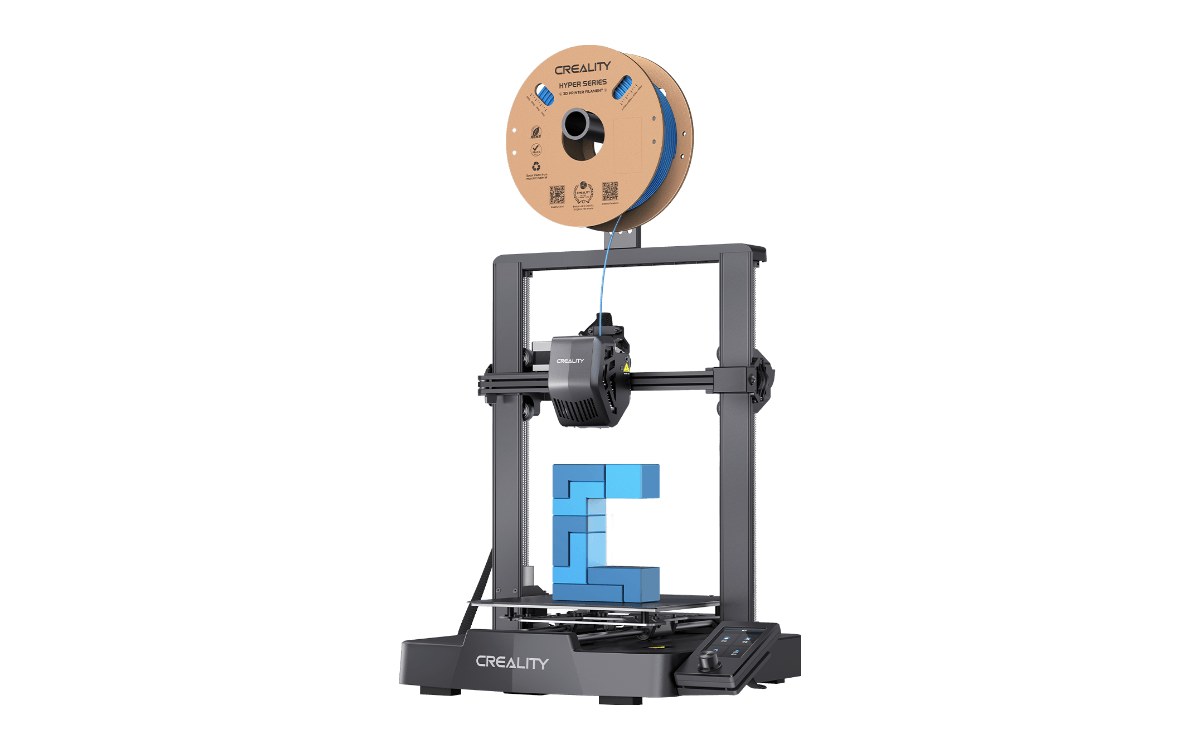
A budget FDM printer, the Creality Ender-3 V3 SE. Image: Creality.
Where to go next
Resin vs FDM FAQ
Is resin better than FDM?
Only for fine detail. Resin prints miniatures, figurines and jewelry models with far smoother surfaces. FDM is better for strong, practical and larger parts, and it is cleaner and cheaper to run.
Can an FDM printer print miniatures?
Yes, but with visible layer lines and softer small details, because FDM layers are usually 0.1 to 0.3 mm and the nozzle is 0.4 mm wide. For tabletop-quality miniatures, resin is the better tool.
Is resin more expensive than filament?
Usually, per kilogram. Resin printing also needs isopropyl alcohol, gloves, paper towels and replacement release film, which FDM does not.
Can I use a resin printer in my bedroom?
It is not a good idea. Uncured resin is a skin and eye irritant, so resin printers belong in a ventilated room away from where you sleep or eat.
Which is easier for a beginner, resin or FDM?
FDM. There is no liquid to handle and no wash and cure step: you remove the print, snap off any supports and you are done.
Sources
- Elegoo, Saturn 4 Ultra 16K and Mars 5 Ultra product specifications.
- Creality, Ender-3 V3 SE product specifications (build volume).
- Resin makers' safety data sheets (Elegoo, Anycubic): handling, protective equipment and disposal.
- OrcaSlicer and resin slicer default profiles (typical layer heights).
Researched and written by Ric Ruben.